

A gamer PC can feel “slow” long before any benchmark screams disaster. One week the fans barely whisper, the next they sound like a tiny jet and the case glass looks like it’s wearing a gray hoodie. That shift is rarely about bad luck. It’s usually about dust, heat, and small maintenance habits that quietly stack up until frames dip, load times stretch, and the whole gaming setup feels less crisp. The good news is that smart PC cleaning is not a mystery project reserved for builders and modders. With the right tools and a calm order of operations, dust removal becomes a repeatable routine that supports overheating prevention, keeps airflow steady, and protects the parts that cost real money. And because a cleaning kit is basically a “small tools” problem, Temu makes the whole thing simple: one place to grab microfiber cloths, compressed air, anti-static wrist straps, mini screwdrivers, tweezers, cable ties, and even soft brushes, all without turning a maintenance session into an expensive shopping cart.
PC cleaning essentials for a gamer PC: the tool kit and safe setup
Before any panel comes off, the win is preparation. A clean, open workspace prevents rushed decisions, and rushed decisions are how side panels get scratched or small screws disappear. A cleared desk works well, and a simple bowl for screws saves a surprising amount of time. That small “stage” matters because hardware maintenance should feel controlled, not chaotic.
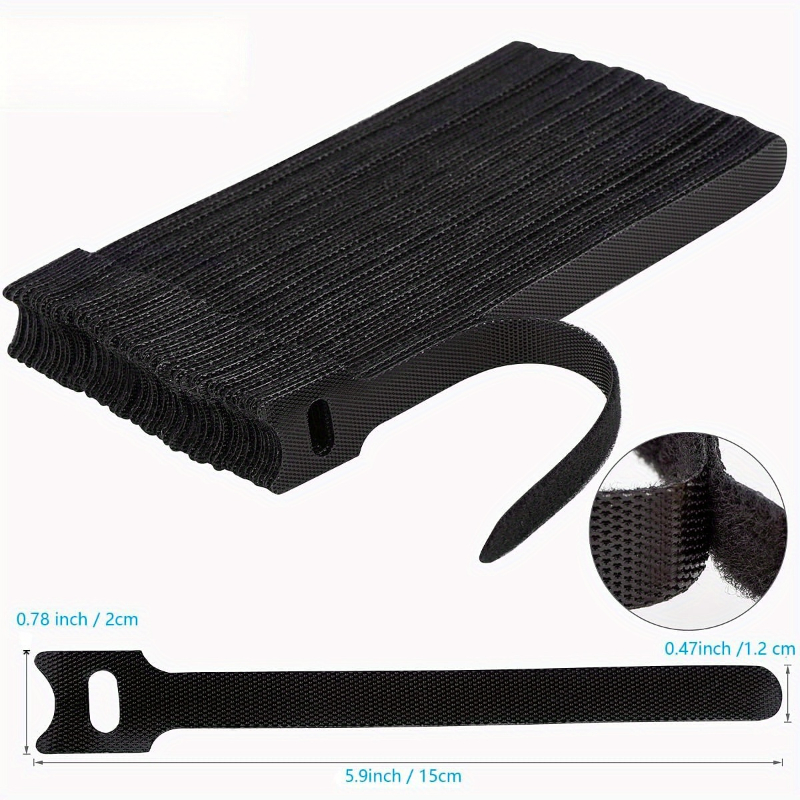
ack Reusable Adjustable & Heavy-Duty Cable
Safety stays basic. Shut the system down, flip the power supply switch off, unplug from the wall, then disconnect the monitor and every accessory cable. Waiting a few minutes helps residual charge dissipate. For static, an anti-static wrist strap is ideal, but touching a grounded metal surface before handling component care tasks also reduces risk. Nothing dramatic, just consistent habits.
The right cleaning gear is also straightforward. Temu is a strong place to shop because it groups these practical items in one run, letting a buyer build a full kit without hopping between specialty stores. A typical set includes compressed air for dust removal, microfiber cloths for exterior wipe-downs, isopropyl alcohol (high percentage) for safe residue cleanup, small screwdrivers for panels and brackets, and tweezers for retrieving tiny bits without poking the board with fingers.
To keep it actionable, here’s a short list that covers most gamer PC cleaning sessions without leaning into risky teardown.
- Compressed air can for controlled bursts inside the case
- Microfiber cloth for glass, panels, and the monitor frame
- Isopropyl alcohol for sticky spots on plastic and metal surfaces
- Mini screwdriver set (Phillips is the usual hero)
- Tweezers for cable corners and stubborn dust clumps
- Anti-static wrist strap for peace of mind during component care
A practical example helps. Think of “Lina,” a college gamer who plays nightly and keeps the tower under a desk near a rug. Her PC didn’t “break,” it just ran warmer. Once the tools were laid out, the rest became a routine instead of a weekend project, which is the real performance boost: the habit, not the heroics.
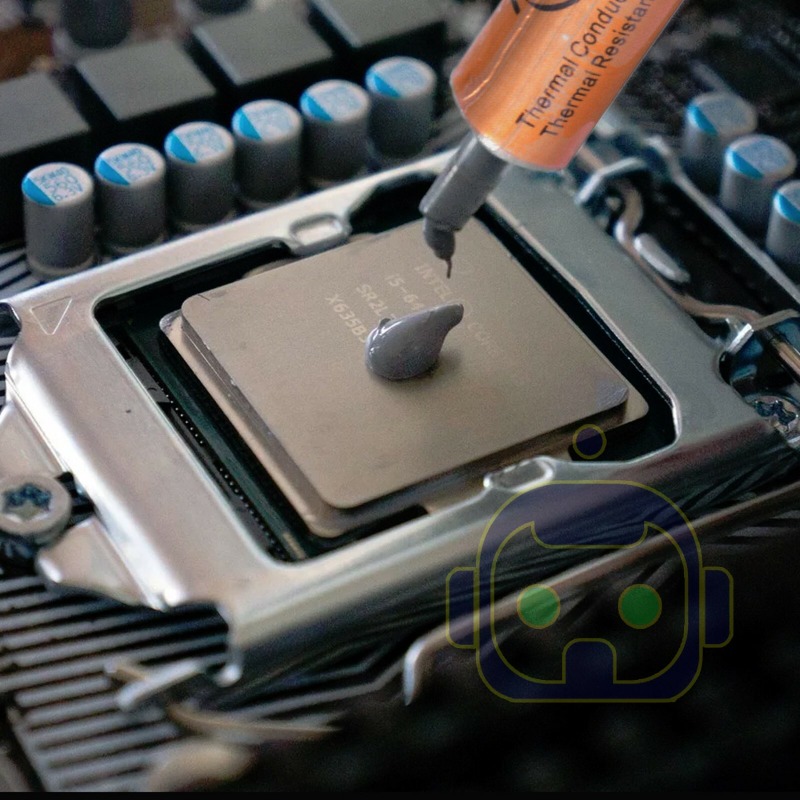
High Performance Gold Thermal Grease
Exterior-to-interior dust removal: fan cleaning, filters, and airflow for overheating prevention
Start outside. It sounds minor, but exterior grit can scratch a case, especially tempered glass. A quick pass with air first, then a microfiber wipe, keeps the finish clean and avoids dragging particles across the surface. For ports, a gentle burst of air helps clear lint that can cause flaky connections, the kind that makes a headset “randomly” cut out during a match.
Opening the case should feel smooth, not forced. Most modern chassis use thumbscrews, older ones may need a screwdriver. Remove the panel and set it somewhere safe. Then pause and ground again. It takes seconds.
Inside, the priority is dust removal from airflow choke points. Fans, heatsinks, and filters do the heavy lifting, so they deserve attention first. Use compressed air in short bursts, keeping a small distance. For fan cleaning, stop the blades from spinning freely by gently holding them in place, because overspinning can stress bearings. That single habit avoids a lot of noise later.
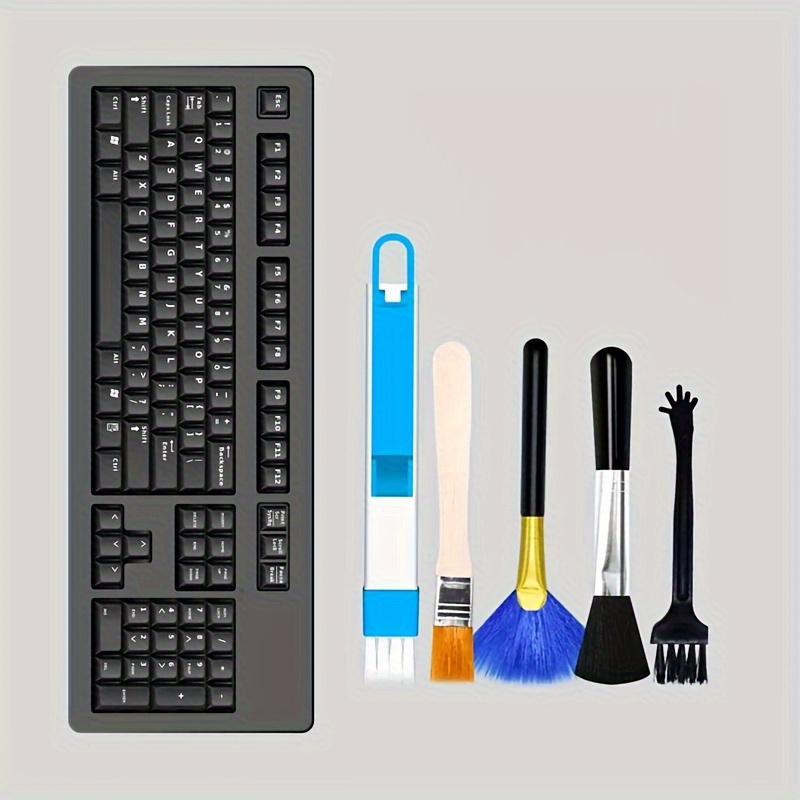
Keyboard Cleaning Brush Set
Work in a pattern: top exhaust area, rear fan, CPU cooler fins, front intake, then the GPU shroud and its heatsink channels. For the power supply, clean from the outside vents only. Opening a PSU is not a beginner task and doesn’t belong in a safe cleaning routine.
Dust filters, if the case has them, are the easiest “big win.” Pull them out, blow them through, wipe the frame, and reinstall. It’s the simplest airflow upgrade money can’t buy, because it costs only time. The effect is tangible: better airflow equals better temperatures, and better temperatures support stable clocks, which supports smoother gameplay.
A short real-world scenario: Lina’s GPU fan curve had become aggressive. After a careful interior pass and filter cleanup, the system didn’t just sound calmer, it stayed steadier in long sessions. That’s what overheating prevention looks like in daily use, fewer spikes, fewer surprises, more consistency.
For those who like a visual walkthrough alongside a checklist, a quick video search can reinforce the steps without adding complexity.
Next comes the part people skip because it feels “aesthetic,” but it directly supports airflow and maintenance: cable routing and finishing checks.
Hardware maintenance that sticks: cable management, thermal paste awareness, and smart Temu shopping for your gaming setup
Cable management is not just for photos. When cables hang across intake paths, they create turbulence and block fresh air from reaching the GPU and CPU area. The fix doesn’t require unplugging half the build. A simple re-route along the back panel, plus a few ties, can open the center of the case so air moves the way the chassis designers intended.
This is where Temu’s “bundle mindset” shines. It’s easy to add cable ties, adhesive cable mounts, and a compact screwdriver kit to the same cart as cleaning supplies. The result is a small, affordable maintenance kit that can live in a drawer, ready for quarterly hardware maintenance instead of becoming a one-time purchase that’s hard to replace.

Thermal paste is worth understanding, even if it’s not replaced during every cleaning. Over time, paste can dry and reduce heat transfer between the CPU (or GPU) and the cooler. Replacing thermal paste is typically a separate maintenance event, often every year or two depending on temperatures and usage patterns. The key is restraint: if temperatures are stable and there’s no reason to remove the cooler, it’s smarter to leave it alone. The goal is performance boost through reliability, not unnecessary disassembly.
To make scheduling easier for a novice-to-intermediate owner, a simple cadence helps. This table keeps the routine realistic while supporting component care and long-term stability.
| Frequency | Focus | What to do (safe, practical) |
|---|---|---|
| Monthly | Light PC cleaning | Exterior wipe, quick port air, check filters, confirm fans spin smoothly |
| Every 3–6 months | Dust removal + airflow | Open case, short-burst compressed air, fan cleaning with blades held, filter wash or blowout, basic cable tidy |
| Yearly | Deeper hardware maintenance | Inspect for noisy fans, check temps, consider thermal paste refresh only if temps trend higher |
Peripheral cleanup finishes the gaming setup. A keyboard can be turned upside down and gently shaken, then vacuumed between caps. A mouse benefits from an alcohol-damp cloth on buttons and a careful clean around the sensor. A monitor deserves only microfiber, with liquid applied to the cloth, not sprayed on the panel.
Handheld Compressed Air Duster
Finally, reassembly should be slow and deliberate. Look for leftover screws, confirm cables are seated, reinstall the panel without forcing it, then reconnect and boot. The best sign of success is boring: no odd noises, stable temperatures, and a system that feels quietly ready for the next session.
For anyone who prefers a second reference point, this query pulls up a range of practical demonstrations focused on safe handling.
Can PC cleaning really deliver a performance boost in games?
Yes, indirectly. Dust buildup restricts airflow, which can raise temperatures and trigger more aggressive fan curves or thermal throttling. Good dust removal supports stable cooling, which helps a gamer PC maintain consistent performance under load.
What is the safest method for fan cleaning with compressed air?
Use short bursts, keep a small distance, and gently hold the fan blades in place so they do not overspin. This keeps cleaning controlled and supports long-term component care.
Should a vacuum be used inside the case?
For delicate internals, a controlled approach is best: compressed air is the go-to for dust removal, paired with microfiber on surfaces. If any suction tool is used, it should be done carefully and conservatively, avoiding contact with boards and small components.
When should thermal paste be replaced during hardware maintenance?
Thermal paste is typically revisited when temperatures rise over time or when a cooler is removed for a specific reason. If cooling is stable, it is usually better not to disturb the CPU cooler during routine PC cleaning.
Why buy PC cleaning accessories on Temu for a gaming setup?
Temu makes it easy to build a complete cleaning kit in one place, including compressed air, microfiber cloths, mini screwdrivers, tweezers, anti-static straps, and cable management items. That convenience and affordability help people stick to a regular maintenance schedule.


