

A personalized gaming setup does not need to look like a sponsored battlestation photo with a $2,000 desk, three monitors, and enough RGB to light a small café. The smarter route is less glamorous and more useful: decide what improves play, comfort, and focus, then spend there first. In 2026, the budget lane is much better than it used to be. A carefully chosen $800 to $1,000 PC can handle strong 1080p gaming, and console players can still build a sharp corner with a fast display, a decent headset, and a chair that does not punish the spine after two matches.
Here is the deal: marketing loves selling “gaming” versions of ordinary items. Gaming chair. Gaming shelf. Gaming cable. Half of it is paint and markup. A good budget gaming setup starts by ignoring the noise. Maya, a student building a small apartment station for shooters, indie games, and weekend co-op, gets more value from a 180Hz 1080p monitor and a reliable mouse than from a glass-sided case stuffed with decorative lighting. That is the whole mindset behind affordable gaming design: buy performance, comfort, and flexibility before buying visual drama.



Build a Budget Gaming Setup Around the Parts That Actually Change Gameplay
The biggest mistake in a DIY gaming setup is spending like every component matters equally. It does not. The screen, input devices, seating, and core hardware shape the experience far more than themed wall panels or oversized speakers. For PC gaming, the CPU and GPU still carry the load. A Ryzen 5 5600 remains a solid low-cost chip for 1080p play, especially when paired with an RTX 4060 or Radeon RX 6600. That combination is not exotic. Good. Exotic usually costs extra.
For a current value build, 16GB of dual-channel RAM at 3000MHz or faster is the practical floor. One 8GB stick saves a few dollars and quietly hurts performance, especially in open-world games that stream assets constantly. Storage is similar. A 500GB NVMe SSD makes Windows, launchers, and favorite games feel snappy. A cheap hard drive can hold the backlog later. Fast where it counts, large where it is cheap. Simple.
Why the monitor deserves more budget than the light strips
A fast display is one of the rare upgrades that feels obvious on day one. A 24.5-inch 1080p Fast IPS monitor around 144Hz to 180Hz can make shooters feel cleaner and reduce motion blur without forcing a pricey graphics card upgrade. The AOC 25G42E style of monitor sits in that sweet spot: compact, fast, and often priced far below premium 1440p panels. Claimed HDR on low-cost screens is usually not real HDR in the meaningful sense, so treat it as a color mode, not a miracle.
Maya initially wanted a curved 32-inch display because it looked serious. After checking desk depth, viewing distance, and GPU limits, the better pick was a smaller high-refresh 1080p panel. Less cinematic? Maybe. More responsive for ranked matches? Absolutely. That is the kind of trade-off that keeps a custom gaming station honest.
Core gear beats decorative spending every time
A good mouse, keyboard, and headset can be affordable without feeling disposable. The Logitech G305 is a familiar budget pick because its wireless response is quick, its HERO sensor tracks well, and the battery life can stretch for months on one AA cell. For keyboards, membrane boards like the Corsair K55 RGB Pro are not mechanical-keyboard collector bait, but dedicated media keys, spill resistance, and macro support matter more to most players than switch bragging rights.
Headsets deserve the same practical filter. A wired model around $40 to $50 with clear directional audio can beat a flashy wireless headset that compresses sound and dies mid-session. The RIG 400 Gen 2 type of headset gets the basic job right: lightweight frame, usable mic, and zero charging anxiety. Not luxurious. Functional. The first spending rule is blunt: pay for response, comfort, and reliability before paying for cosmetics.
Once the performance base is sensible, the next money saver is buying at the right moment rather than buying the first item with a “sale” badge.
Find Budget-Friendly Gaming Gear Without Falling for Fake Discounts
Price tracking matters. A lot. Retailers know gamers respond to urgency, so the same keyboard can bounce from $59 to $79 and back again while wearing a discount label both times. A stronger strategy is to set target prices before shopping. For example, a 1080p high-refresh monitor under $120 is worth watching closely. A reliable controller around $30, like the PXN P5 category with Hall Effect sticks, makes sense for players who want drift resistance without buying a premium pad.
Prebuilt PCs can be convenient, but they often hide cost cuts in the power supply, motherboard, RAM speed, or cooling. A store tower at $1,349 may match the headline specs of a $1,000 custom build, then lose value through a bargain PSU and a single RAM stick. That is not always visible on the product card. It shows up later as noise, heat, and awkward upgrades. A custom build avoids much of that if the parts list stays boring in the right places.
Refurbished, used, and open-box gear can be the budget cheat code
Used hardware is not automatically risky. It is conditional. Monitors, desks, chairs, and wired accessories are often safer second-hand buys than graphics cards with unknown mining history. Refurbished business monitors can be excellent for secondary screens, while open-box gaming displays from reputable retailers can save 15% to 30% with return protection still attached. That protection matters. A dead pixel discovered at home is annoying; a dead pixel with no return window is a tax on impatience.
For GPUs, the used market needs more discipline. A Radeon RX 5700 XT can still be a strong value for 1080p and some 1440p gaming, but only if the seller shows temperatures, fan condition, and a clean return path. If a listing says “untested,” read that as “tested badly” until proven otherwise. Harsh? Maybe. Useful? Definitely.
Power supplies and chairs are bad places to get reckless
Some parts should not be treated like mystery-box bargains. A 500W or higher PSU with an 80 Plus certification is the baseline for modest gaming rigs, and a 650W unit gives useful headroom for later GPU upgrades. Cheap no-name power supplies are not brave purchases. They are future troubleshooting sessions with cables attached.
Seating deserves similar respect. A GTPLAYER GT800A style chair with lumbar support, adjustable recline, and a stable base can be worthwhile if it fits the body and room. But the word “gaming” does not make a chair ergonomic. A used office chair from a proper brand can beat many racing-style seats for long sessions. The test is simple: shoulders relaxed, elbows near desk height, feet planted, screen at eye level. If a chair fails that, the color scheme does not rescue it.
The best budget setup tips come down to timing and suspicion. Watch real street prices, compare against alternatives, and treat every dramatic discount as a claim that needs evidence. Smart buying is not about being cheap. It is about refusing to donate money to packaging.
Good hardware still needs a space that feels personal, organized, and comfortable. That part can be surprisingly cheap if the design choices stay intentional.
Personalize a Custom Gaming Station With Cheap Design Moves That Look Intentional
A strong gaming room design does not start with buying more stuff. It starts with reducing visual mess. Cable clips, Velcro ties, a small under-desk tray, and one power strip mounted away from foot traffic can make a $90 desk look cleaner than a premium desk buried under tangled wires. The Furologee 51-inch gaming desk category is popular because it combines shelves, outlets, and monitor support without climbing into luxury pricing. Still, any stable table can work if the layout is right.
Good gaming desk ideas usually solve physical problems first. Where does the headset go when it is not being used? Where does the controller charge? Can the mouse move freely without hitting a speaker or coffee mug? Maya fixed half of her clutter with a $12 adhesive headphone hook, a thrifted drawer unit, and a narrow monitor riser. No sponsorship gloss. Just fewer annoying moments during play.
Low-cost lighting works best when it has a job
LED strips are cheap, but random glowing borders can look messy fast. A better approach is bias lighting behind the monitor, which softens contrast in dark rooms and can reduce eye strain. Low-power LEDs also cost very little to run, especially compared with older decorative lamps. Warm white or a single accent color usually looks cleaner than a rainbow preset cycling behind every match.
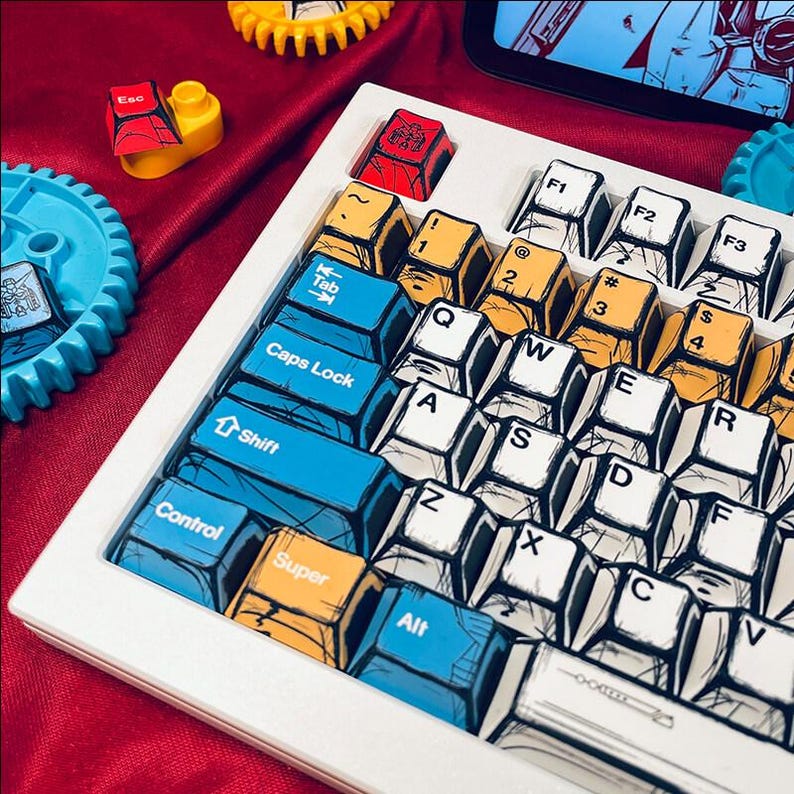
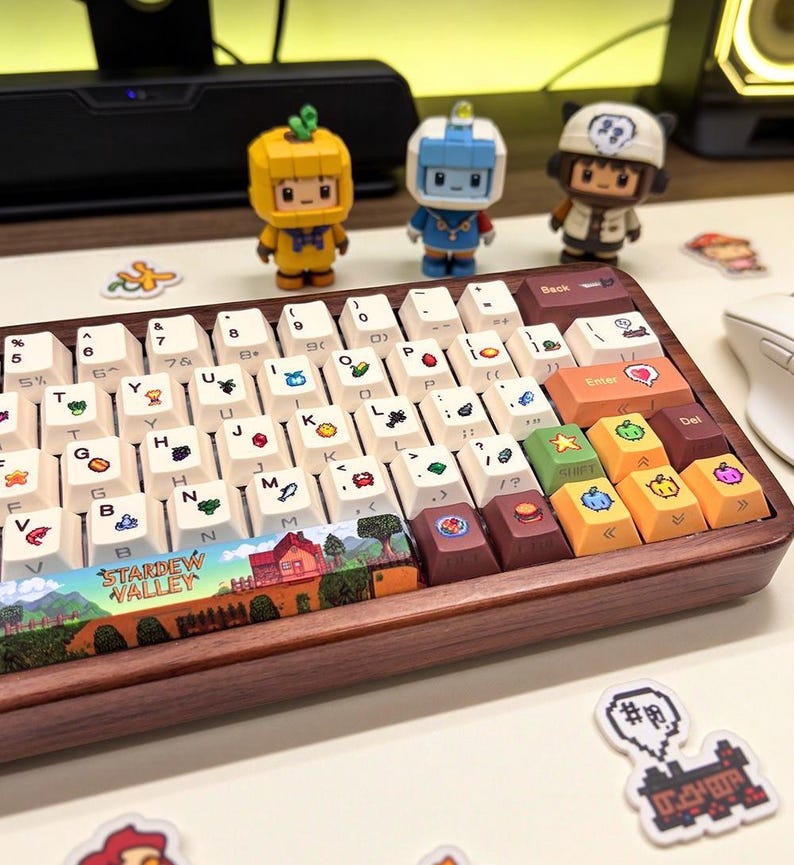
Color choice matters more than people admit. Black and walnut feels calmer. White and blue looks sharp but shows dust. Dark green, gray, and soft amber can make a small corner feel less like a dorm project. None of this requires premium decor. Printable game art, a pegboard, reused shelves, acoustic foam only where it helps echo, and a small plant can do more for personality than another branded mousepad.
Modular pieces stretch a limited budget further
Multifunctional furniture is the quiet winner in small rooms. A desk with shelves can replace a side table. A monitor arm frees surface space and improves viewing height. A storage ottoman can hide controllers, cables, and spare keycaps while doubling as seating for a friend. For console players, a rolling cart can hold the system, headset, and chargers, then move out of the way when the room has to become a workspace.
Ergonomics should not be treated as a luxury add-on. Wrist pain, neck strain, and lower-back fatigue are expensive in their own way. The screen should sit roughly at eye level, the chair should let the back rest naturally, and the keyboard should not force the shoulders upward. Even a folded towel used as temporary lumbar support is better than ignoring discomfort for months.
The smartest cost-effective gaming accessories are the ones that remove friction: a mouse bungee for wired mice, a desk mat that gives consistent tracking, a headset stand, reusable cable ties, and a lamp that keeps the room from turning into a cave. These are small purchases, but they make the station feel deliberate.
A personal setup is not measured by how much it imitates a streamer’s room. It works when the hardware fits the games, the furniture fits the body, and the style fits the person using it. That is the real win for budget-friendly gaming gear: a setup that looks owned, not rented from an algorithm.


