

A laptop bag looks simple until the airport turns it into a stress test. One tight connection, one overstuffed security tray, one careless shove into an overhead bin, and the difference between a smart carry setup and a bad one becomes obvious fast. Travelers tend to obsess over laptops, chargers, noise-canceling headphones, and passports, then throw everything into a bag that was chosen because it looked fine online. Bad move. The better approach is more practical: treat the bag like mobile infrastructure. It should protect fragile gear, keep travel essentials reachable, reduce shoulder strain, and make theft harder without turning every checkpoint into a scavenger hunt. Real talk: the best bags are not always the most expensive ones. A $139 backpack with smart padding, a clean laptop sleeve, weather-resistant fabric, and useful pockets can beat a glossy $399 briefcase that bruises the shoulder after 23 minutes. The trick is knowing what specs matter, what marketing fluff to ignore, and which small design choices quietly save a trip.

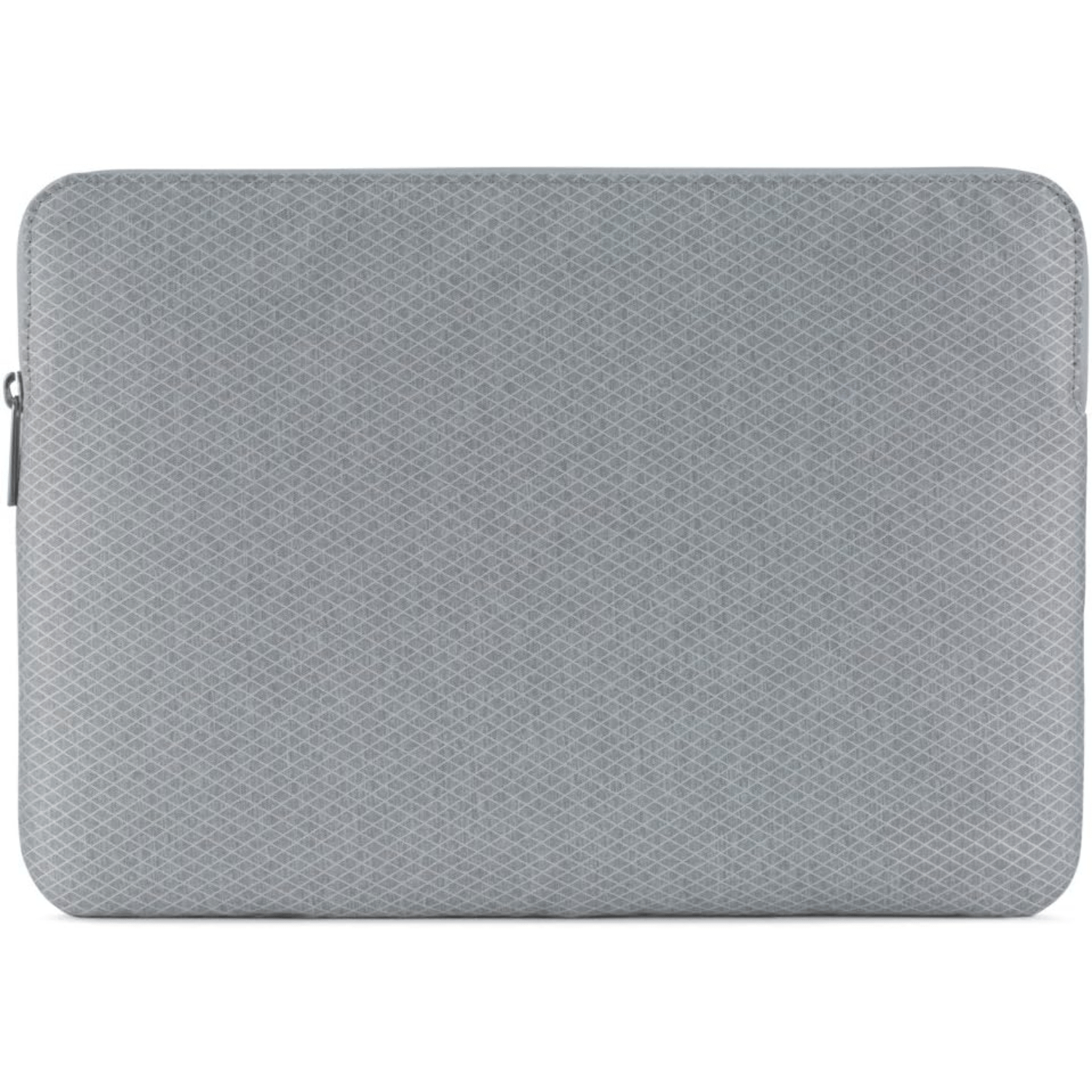
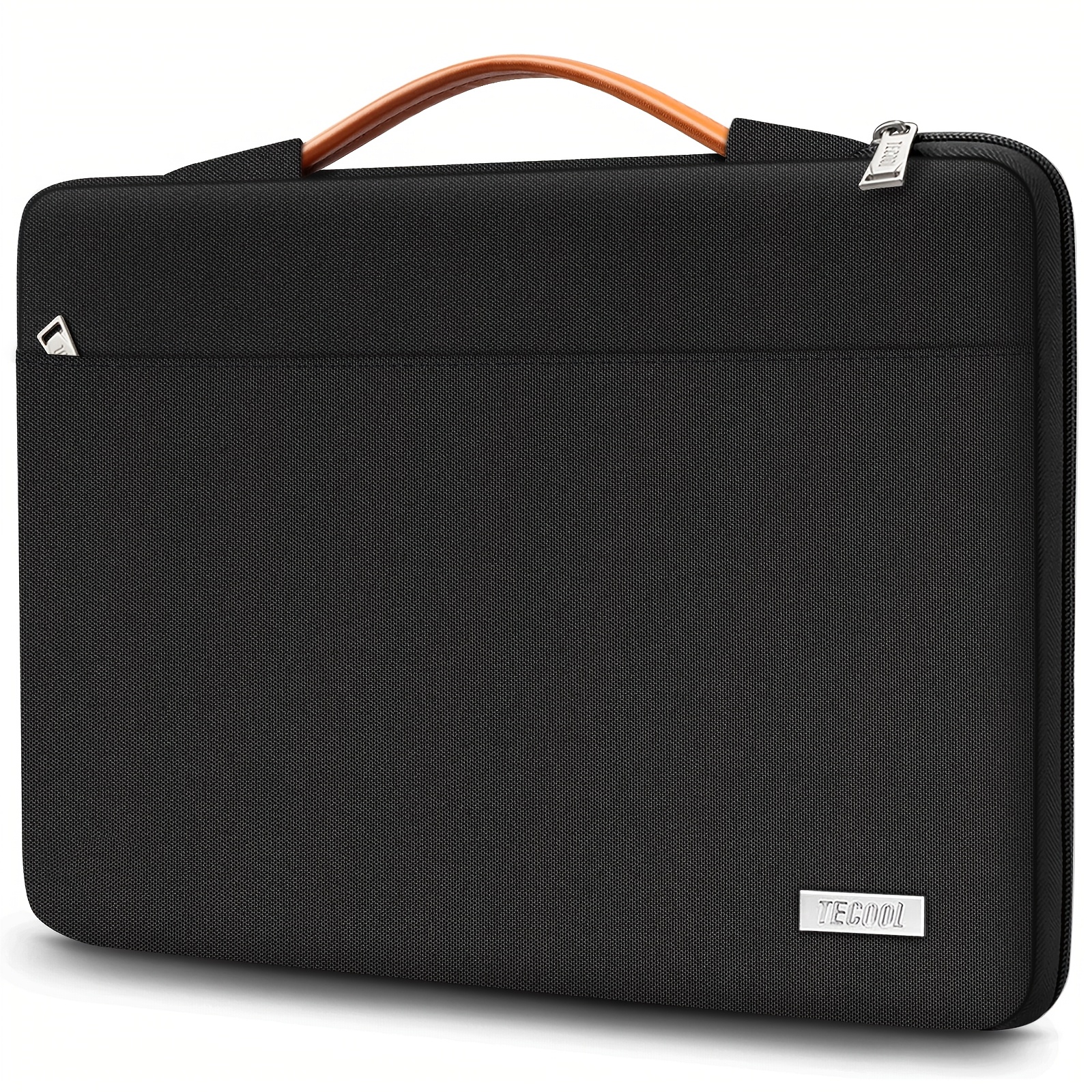

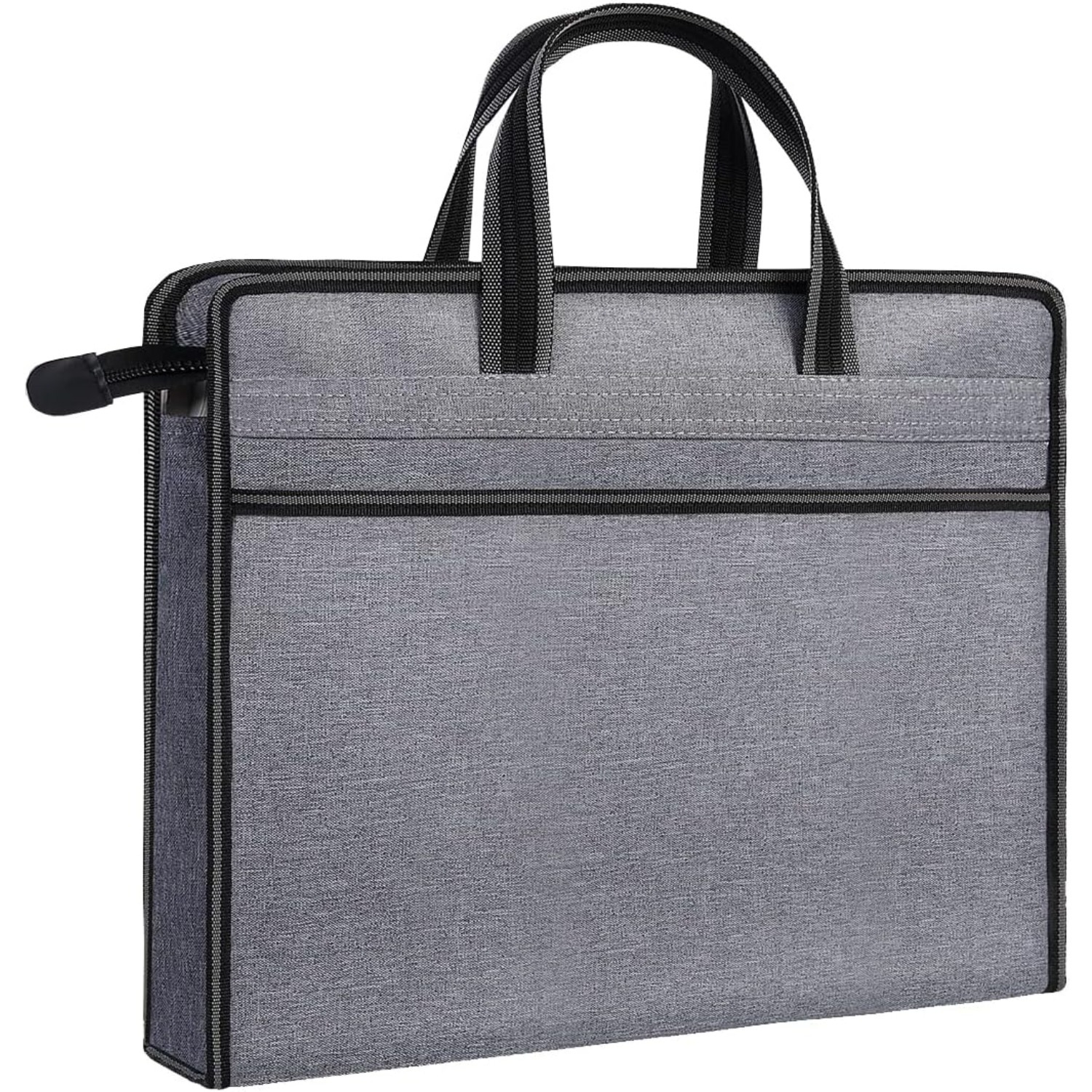
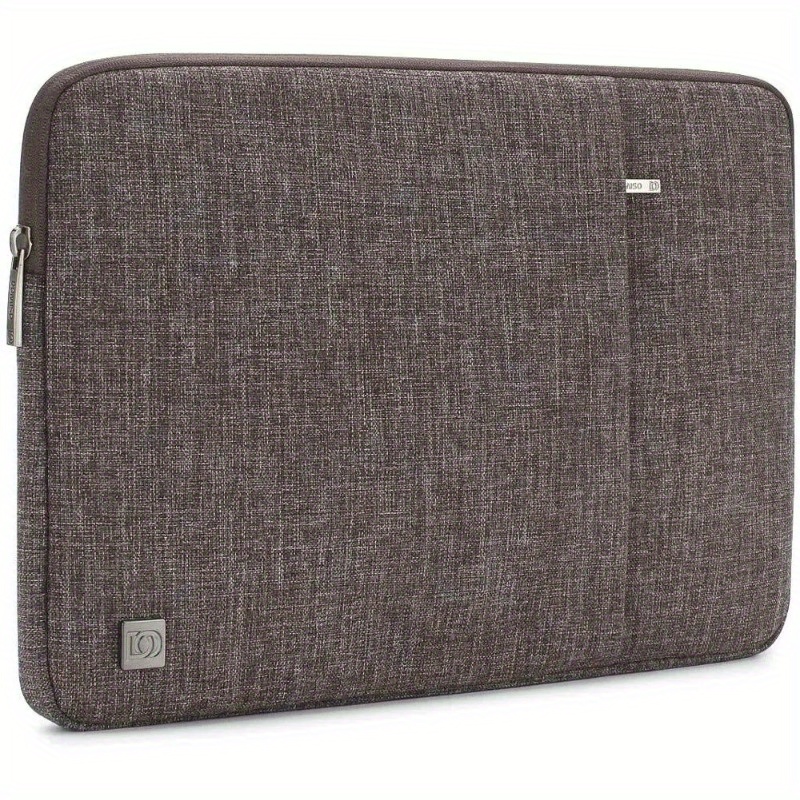
Best laptop bag travel tips for airport speed, accessibility, and fewer mistakes
Airport use exposes weak bag design fast. A bag can look sharp in a product photo and still fail when the laptop sleeve fights the zipper, the passport pocket sits under three layers of cables, or the bottle holder collapses into the main compartment. Accessibility matters because travel has timing pressure. Nobody wants to block the TSA lane while digging past a charger brick, snack wrapper, and hoodie to find a 14-inch MacBook.
Here’s the thing: the best airport layout puts the laptop in a separate, padded compartment that opens wide enough to remove the device with one hand. A clamshell or side-access panel usually beats a narrow top-loader. Bags marketed as “TSA-friendly” can help, but only if the laptop section lies flat and doesn’t have metal clutter, thick cable coils, or a tablet stacked directly on top. Some airports still ask for laptops to come out anyway. Policies vary. Design still matters.
Choose the carry style by trip type, not by trend
Backpacks win for longer walks, uneven sidewalks, and train transfers because they distribute weight across both shoulders. Messenger bags look more professional in client meetings, but a 2.1 kg load pulls on one side after a while. Sling bags are useful for quick hops, a café work session, or a one-night trip with a roller suitcase. Rolling laptop bags are underrated for heavy business kits, especially when carrying two machines, printed contracts, and a charger that feels like a brick.
One consultant flying Austin to Denver every other week used a slim messenger for years because it looked clean. Nice bag. Bad physics. After switching to a backpack with padded straps and a luggage pass-through, the same load felt manageable, and boarding became less awkward. The laptop did not get safer because the fabric was magical. It got safer because the bag stopped swinging into seat arms and tray tables.
Capacity should stay realistic. For day travel, 14 to 18 liters is enough for a laptop, charger, headphones, notebook, light layer, and small toiletry pouch. For overnight trips, 20 to 26 liters gives breathing room without becoming a cabin-space bully. Anything above 30 liters can work for digital nomads, but it needs compression straps and a proper frame panel. Otherwise, it becomes a sagging tech sack. Not elegant. Not comfortable.
The airport secret is simple: the item needed fastest should never sit deepest. Passport, boarding pass, phone battery, earbuds, and laptop access deserve priority placement. Good organization is not about having 29 pockets. It is about making the next move obvious.
Laptop bag packing hacks that protect cables, chargers, documents, and devices
Packing a tech bag is not just stuffing gear into empty space. The layout changes how gear survives movement. A laptop should sit suspended slightly above the bottom edge of the bag. That detail matters. If the sleeve runs all the way down with no false bottom, every drop lands directly on the laptop corner. Corner damage is expensive. A cracked display hinge or warped chassis costs more than a better bag.
Packing hacks start with separating hard objects from the laptop zone. Charger bricks, adapters, travel mice, SSDs, and plug converters should not press against the lid. Under seat pressure is real. A packed bag can get squeezed by shoes, seat rails, and another passenger’s luggage. Put rigid accessories in a pouch toward the outer panel or lower center, not against the laptop screen.
Build a cable system that survives tired travel days
Cables fail because they bend in the same spot again and again. Rolling them too tightly looks tidy but stresses the jacket near the connector. A loose loop, secured with a soft strap, lasts longer. USB-C cables for charging should be kept separate from data cables if both look similar. Label them. Sounds boring. Saves time.
A practical setup uses one compact pouch for power, one flat sleeve for documents, and one small quick-access pocket for daily items. The charger pouch holds the USB-C power adapter, international plug head, short cable, long cable, and a tiny wall charger for phone backup. The document sleeve carries passport copies, hotel printouts, insurance pages, and receipts. The quick pocket handles lip balm, pen, earbuds, and transit card. Nothing fancy. It works.
Business travelers should avoid stacking paper folders directly beside a laptop fan vent area after use. Warm machines plus soft paper can trap heat briefly. Not catastrophic, but avoidable. Let the laptop sleep properly before sliding it away, especially after video editing, gaming, or a long Teams call. A hot notebook sealed inside a thick sleeve with no airflow is asking for battery stress over time.
Real-world example: a traveler carrying a 16-inch MacBook Pro, iPad, Sony WH-1000XM5 headphones, charger, passport, and a compact camera can fit everything into a 22-liter backpack if the bulky headphone case is clipped higher in the main cavity and cables go vertical in a slim pouch. Put that same kit loose in the bag, and it feels like junk drawer archaeology by gate B17.
One warning: built-in USB charging ports on backpacks are usually overrated. Many are just extension cables routed through fabric. They add failure points and sometimes create awkward battery placement. A good internal pocket for a power bank is better than a gimmicky external port. Clean design beats novelty hardware.
The best packing system is repeatable. When every accessory has a home, missing items become obvious before leaving the hotel room. That is where travel tips stop being theory and start saving flights.
Security, anti-theft design, durability, and comfort secrets frequent travelers notice first
Security starts before the zipper lock. A flashy premium logo can advertise value in crowded stations. A quieter bag in dark gray, navy, or black often attracts less attention. Anti-theft design helps, but it should not make the bag annoying to use. Lockable zippers, hidden rear pockets, slash-resistant panels, and RFID-blocking card slots all have value in busy cafés, hostels, and airport lounges. Still, no feature replaces situational awareness.
Pacsafe-style bags are popular for a reason: they make quick grabs harder. Locking zipper pulls slow down opportunistic hands. Rear passport pockets keep documents against the body. Some models use cut-resistant mesh inside the fabric. Is that needed for every traveler? No. For international trips through crowded transit hubs, it makes sense. For a weekend conference in a quiet hotel district, strong zippers and smart pocket placement may be enough.
Materials matter more than the product page admits
Durability depends on fabric, stitching, zipper quality, and stress-point reinforcement. Ballistic nylon, especially 840D or higher, handles abrasion well. High-denier polyester can be solid too, if the coating is good and the seams are clean. Weather-resistant zippers help during rain, but “water-resistant” does not mean waterproof. If heavy rain is likely, pack a thin rain cover or use a dry sleeve for the laptop. Tested behavior beats marketing language.
A good bag should also handle rough handling. Overhead bins are not gentle. Bus luggage racks are worse. Look for a padded laptop compartment with side cushioning, a raised bottom, and enough structure that the bag does not fold around the device. Soft tote-style laptop carriers can be fine for offices. For travel, they often lack impact control.
Comfort is the spec many buyers ignore until it hurts. Strap width, back-panel ventilation, chest strap placement, and weight balance matter more than a shiny front panel. A bag weighing 1.4 kg empty can feel fine in a store, then become annoying with a laptop, tablet, charger, water bottle, and jacket. Try loading it to travel weight before buying. Walk for 8 minutes. If the straps dig in, they will not magically improve during a layover.
Messenger bags need a stabilizer strap if used on bikes or long airport walks. Rolling bags need wheels that do not chatter on tile and handles that lock without wobble. Sling bags need limits. They are great for light setups, but packing a large laptop, charger, camera, and bottle into one shoulder carry is a shoulder complaint waiting to happen.
Small loss-prevention tricks that work
An AirTag, Tile, or similar tracker belongs in a hidden pocket, not the obvious front pouch. Use a luggage tag with email and phone number, but skip a full home address. Put a printed contact card inside the main compartment too. If airline staff or a hotel desk opens the bag after it gets misplaced, that card can speed recovery.
Keep passports and wallets in body-side pockets when walking through crowds. At cafés, loop a strap around a chair leg or keep the bag between feet, not hanging behind the chair. It sounds paranoid until someone loses a work laptop containing client files. Then it sounds basic.
The real secret is balance: protection without bulk, access without chaos, and theft resistance without daily friction. A travel bag should make good habits easy, because tired travelers do not follow complicated systems.


