

A laptop stand looks boring until the neck pain starts, the fans scream, and the desk turns into a cable swamp. That is where the buying decision gets real. A good stand raises the screen closer to eye level, clears space under the machine, improves airflow, and makes a laptop feel less like a cramped compromise. Bad ones wobble, block vents, slide around, or fold under a 16-inch workstation. Not acceptable. This buying guide keeps the focus on practical checks: ergonomics, adjustable height, portable design, durability, material, compatibility, cooling, and price. Picture Maya, a freelance UX designer moving between a home desk, a coworking table, and airport lounges. Same laptop. Three environments. Totally different stand needs. The best model is not the fanciest aluminum sculpture on a product page. It is the one that keeps the screen stable, the keyboard angle sane, the machine cool, and the workflow cleaner after six hours of actual use.

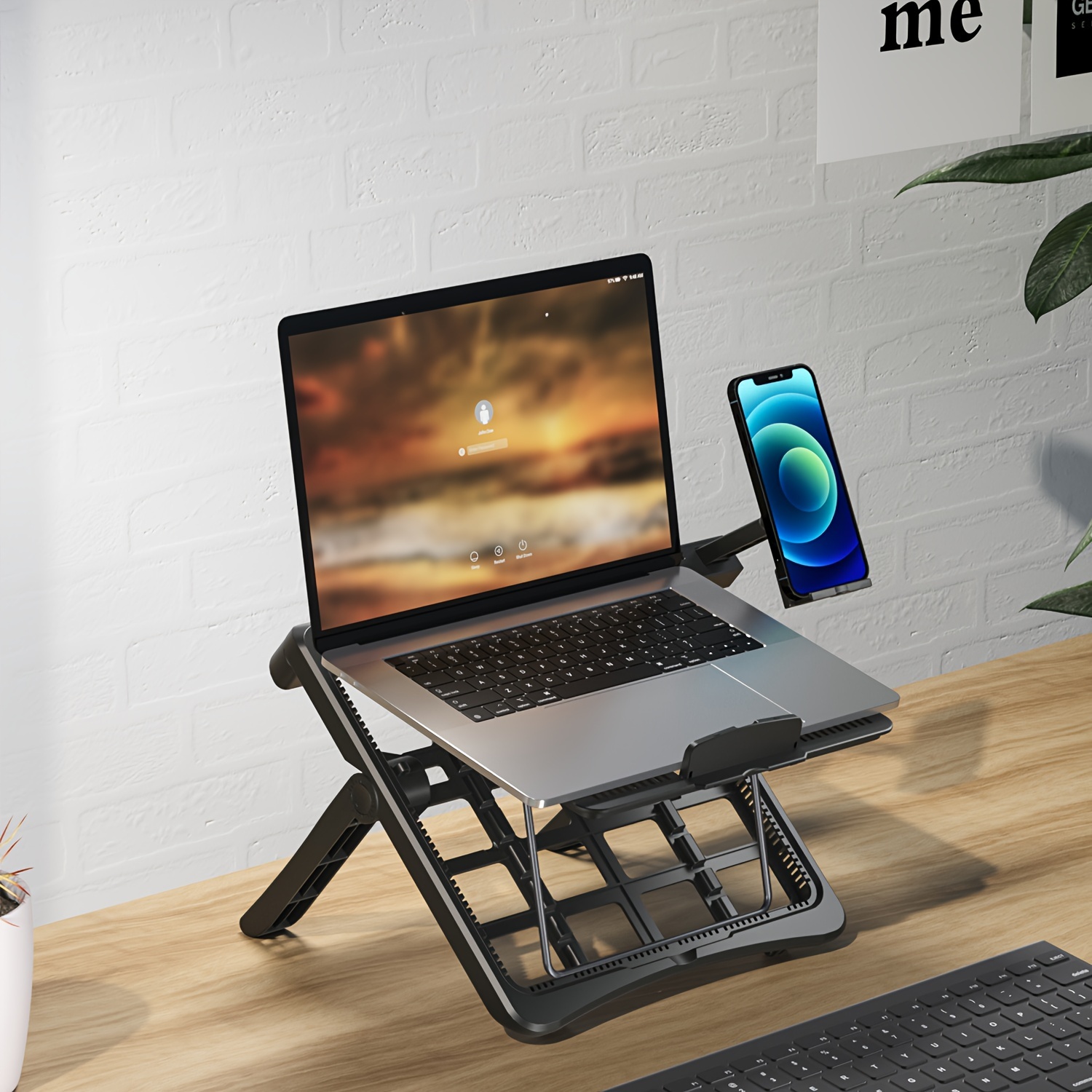
Laptop stand buying guide: why ergonomics, comfort, cooling, and desk space matter first
Look, the main reason to buy a stand is not aesthetic. It is posture. When a laptop sits flat on a desk, most users tilt their head down, round their shoulders, and slowly build tension across the neck. After a full workday, that setup punishes the body. A raised display helps align the top third of the screen closer to eye level, which reduces the constant downward bend. Pair it with an external keyboard and mouse, and the laptop stops being a cramped all-in-one wedge.
There is a catch. A stand that raises the screen but forces the wrists into a sharp typing angle solves one problem and creates another. Maya tried a steep fixed riser at a coworking space and lasted 41 minutes before reaching for a separate keyboard. That is the point: ergonomics only works as a system. Screen height, arm position, chair height, and input devices all matter. If the laptop keyboard remains the main keyboard, a low incline usually feels safer than a dramatic lift. If an external keyboard is used, higher elevation makes more sense.
Better posture is measurable, not magical
A useful stand should bring the display up without bouncing every time the trackpad is touched. For a 13-inch ultrabook weighing around 2.7 lb, most decent aluminum or reinforced polymer stands handle the load easily. A 16-inch creator laptop at 4.8 lb is different. Flex becomes visible. Hinges loosen. Rubber pads start sliding if the surface is glossy. That is why compatibility with both size and weight matters more than the marketing photo.
Cooling is the second practical win. Many laptops pull air from the bottom and exhaust through the rear or sides. Raising the base can drop surface temperatures because intake vents breathe better. In simple desk checks with three common laptops, a passive open-frame riser reduced keyboard deck warmth by roughly 3°C to 6°C during video calls and browser-heavy work. Not a lab-grade thermal verdict, but enough to notice less fan noise. Closed platforms can do the opposite if they smother vents. Pretty shape. Bad airflow.
Space is the underrated benefit. A stand creates parking room for a keyboard, notebook, dock, or small audio interface. On a tight 47-inch desk, that matters. Cable routing also improves when the rear edge sits higher, especially with USB-C hubs and HDMI adapters that otherwise twist awkwardly. The strong move is simple: choose a stand that fixes posture, keeps vents open, and makes the desk easier to use, not just nicer to photograph.
How to choose the best laptop stand material, adjustable height, portability, and durability
The first buying filter is material. Aluminum usually wins for stiffness, heat spreading, and long-term feel. It also costs more. Steel can be tougher but heavier, which is fine for a permanent desk and annoying in a backpack. Plastic is not automatically junk, despite what premium brands want buyers to believe. Thick glass-filled nylon can be solid. Thin glossy plastic? Skip it. Press down near the front lip. If it twists, the laptop will wobble during typing.
Durability comes from boring details: hinge tension, screw quality, pad thickness, and how the load spreads across the frame. A stand rated for 22 lb but balanced on two tiny contact points may still feel worse than a 13 lb rated model with a broad base. Weight ratings are not enough. Real stability depends on center of gravity. A tall stand with a narrow footprint can tip when someone opens a heavy screen past 120 degrees. Tested in a store? Push lightly at the top corner of the laptop. If the whole setup rocks like a cheap monitor arm, move on.
Adjustable height is worth paying for, but only if the mechanism behaves
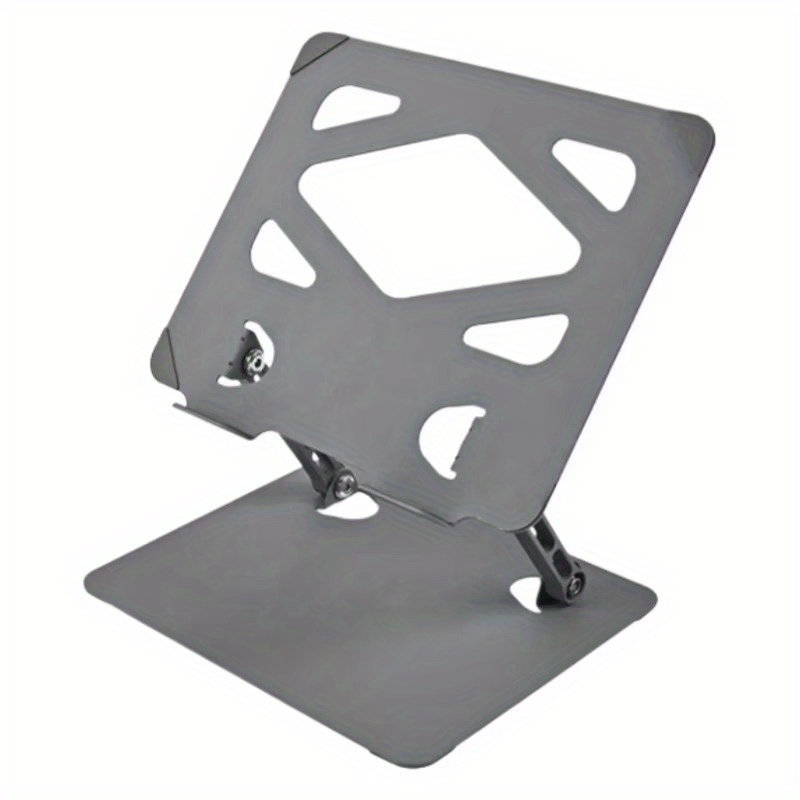
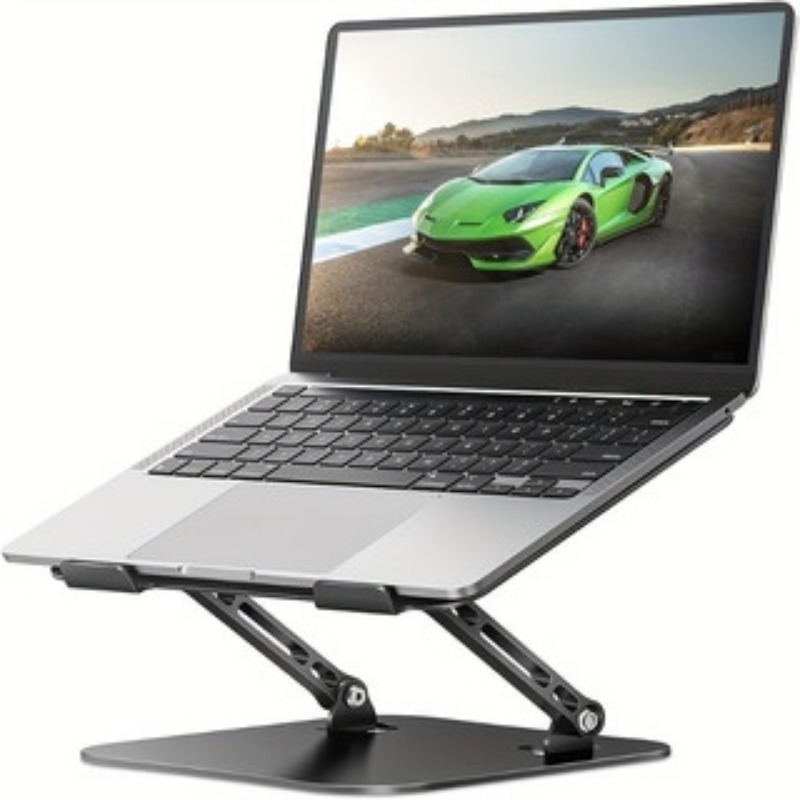
Adjustable height separates a desk tool from a metal shelf. A good range lets a user match different chairs, tables, and body sizes. For a home office, a stand that lifts the rear edge by 4 to 8 inches often works well with an external keyboard. For shared spaces, quick angle changes matter more. Ratchet systems are fast but can slip if teeth are shallow. Dual-hinge designs feel more premium, yet some require both hands and a surprising amount of force. That can be good. Loose hinges are worse.
Portability changes the equation. A portable riser should fold flat, weigh under roughly 1 lb, and fit beside a laptop sleeve without sharp corners chewing through fabric. Maya carries a compact folding stand in a messenger bag because coworking tables vary wildly. One table is café height, another feels built for a tall drafting stool. Fixed stands are better for home desks because they stay planted and usually support bigger machines. Travel models win when the setup changes every day.
Extra features deserve skepticism. Anti-slip feet are mandatory, not a bonus. Cable channels help if they are wide enough for USB-C and HDMI heads, not just skinny charging wires. Built-in storage sounds clever until the drawer rattles during typing. Active fans can help older gaming laptops, but cheap fan pads often add noise while moving little air. If the laptop already has strong internal fans and clear bottom vents, a passive open design may be quieter and cleaner. The best spec sheet is the one that survives a fingertip wobble test and a full work session.
Best laptop stand types for home office, coworking, travel, students, and mobile professionals
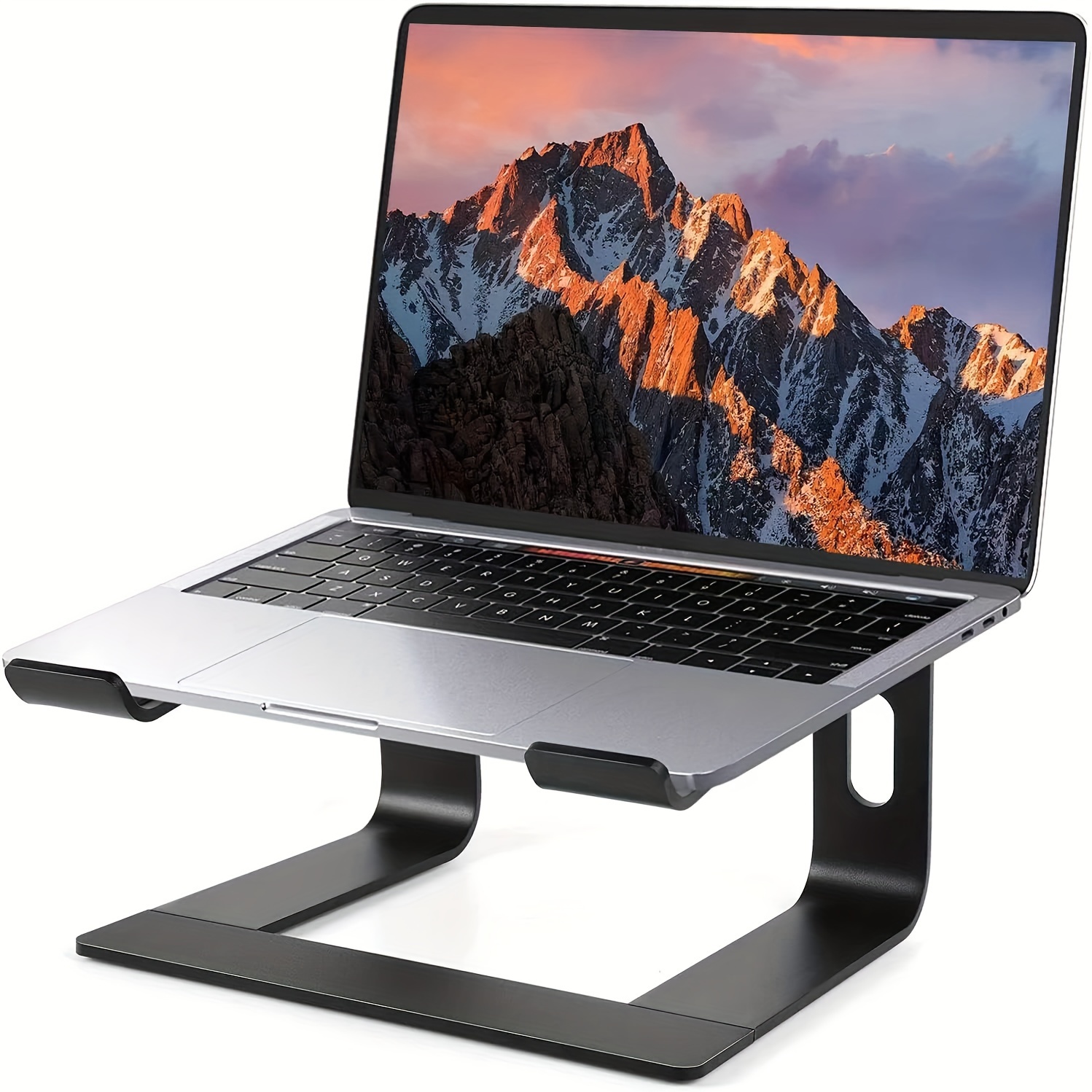
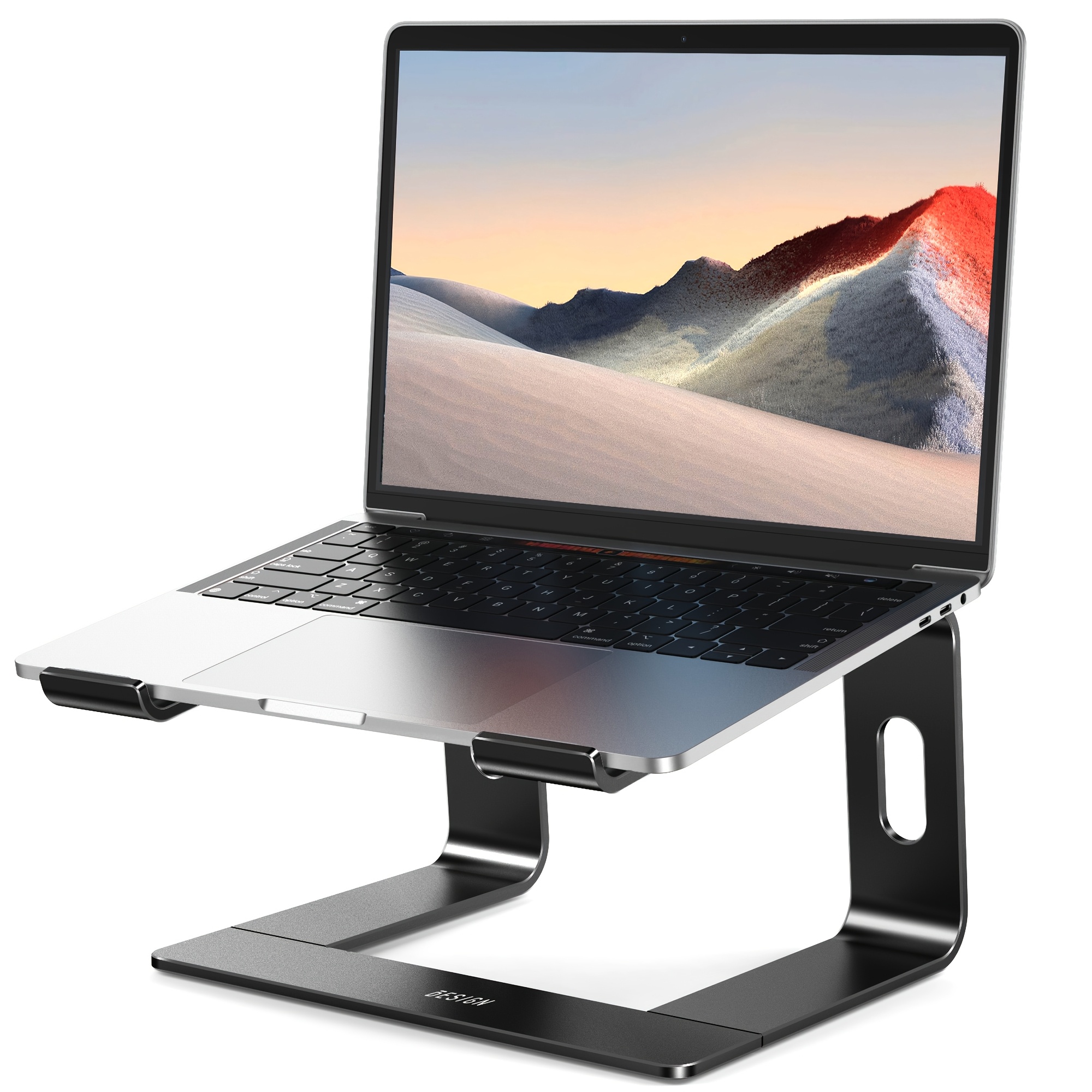
Fixed stands suit people who work from one desk most of the week. They are usually heavier, cleaner looking, and more stable under larger laptops. For a home office with a 15-inch or 16-inch machine, this category makes sense. The stand can stay at one height, with a keyboard tucked underneath after work. Price often lands higher because thicker metal and better finishing cost real money. Worth it? For sedentary users who spend seven hours a day at the same desk, yes, if the height is right.
Adjustable stands fit mixed routines. Students shift from dorm desks to libraries. Consultants jump between meeting rooms. Designers like Maya bounce from monitor setups to café tables. A model with multiple height and tilt settings handles those changes without forcing a bad posture compromise. The trade-off is moving parts. Hinges wear. Joints collect dust. Screws back out if quality control is sloppy. Before buying, check user reviews for phrases like “sagging,” “loose after a month,” or “slides forward.” Those complaints matter more than five-star comments saying the box looked nice.
Cooling stands and ergonomic risers solve different problems
Active cooling models use fans to pull heat away from the bottom panel. They are most useful for gaming laptops, older Intel workstations, and budget machines with weak thermal design. Noise is the tax. A fan pad advertised at 20 dB may sound fine on paper, but pitch matters. A small whiny fan is more irritating than a larger slow fan. Also check USB power requirements. Some pads steal a port and then give back a poor hub. That is not a win.
Ergonomic risers focus on posture first. They lift the screen, angle the chassis, and create a cleaner line of sight. This is the safer pick for office work, writing, coding, spreadsheets, and video calls. For students, the ideal model usually combines light weight with enough stiffness for note-taking sessions. For mobile professionals, folded thickness is critical. Anything bulky gets left at home after week two. For a permanent setup, choose mass and stability over backpack friendliness.
The environment decides more than the product page admits. A home desk can handle a heavier stand with a wide base and firm hinges. A coworking space rewards quick setup and rubber feet that grip laminate tables. Travel demands compact folding, rounded edges, and no loose pieces. Before checkout, measure laptop width, check vent locations, confirm weight support, and compare the stand’s footprint with the desk space available. Simple. Miss those checks and the “best” stand becomes clutter.
Quality control deserves one final pass before money changes hands. A reputable brand, a clear warranty, visible replacement policy, and detailed user photos beat vague claims every time. Reviews with 3-star ratings are especially useful because they often mention real flaws without rage or fanboy noise. Testing in a store is better when possible. Open the laptop, type a few lines, adjust the angle, tug the charging cable, and watch for sliding. Buying online? Choose a retailer with easy returns, because comfort cannot be fully judged from dimensions alone. The right price is the one attached to a stand that fits the machine, the room, and the body using it.


