

A wireless charging station is the small, boring-looking slab or stand that quietly fixes one of the most annoying modern problems: a phone that dies exactly when navigation, payments, tickets, or messages matter. Place the device on the pad, line it up properly, and the battery starts refilling without hunting for a cable under the sofa. Simple. That is the appeal.
The useful part is not just cordless charging. It is habit design. A good charging station turns power into something ambient, like leaving keys by the door. Put one on a desk, another on a nightstand, maybe a third in the living room, and top-ups happen in short, low-effort bursts. That matters more than most spec sheets admit. A phone charged from 42 percent to 68 percent during a coffee break is a phone that probably survives the commute home.
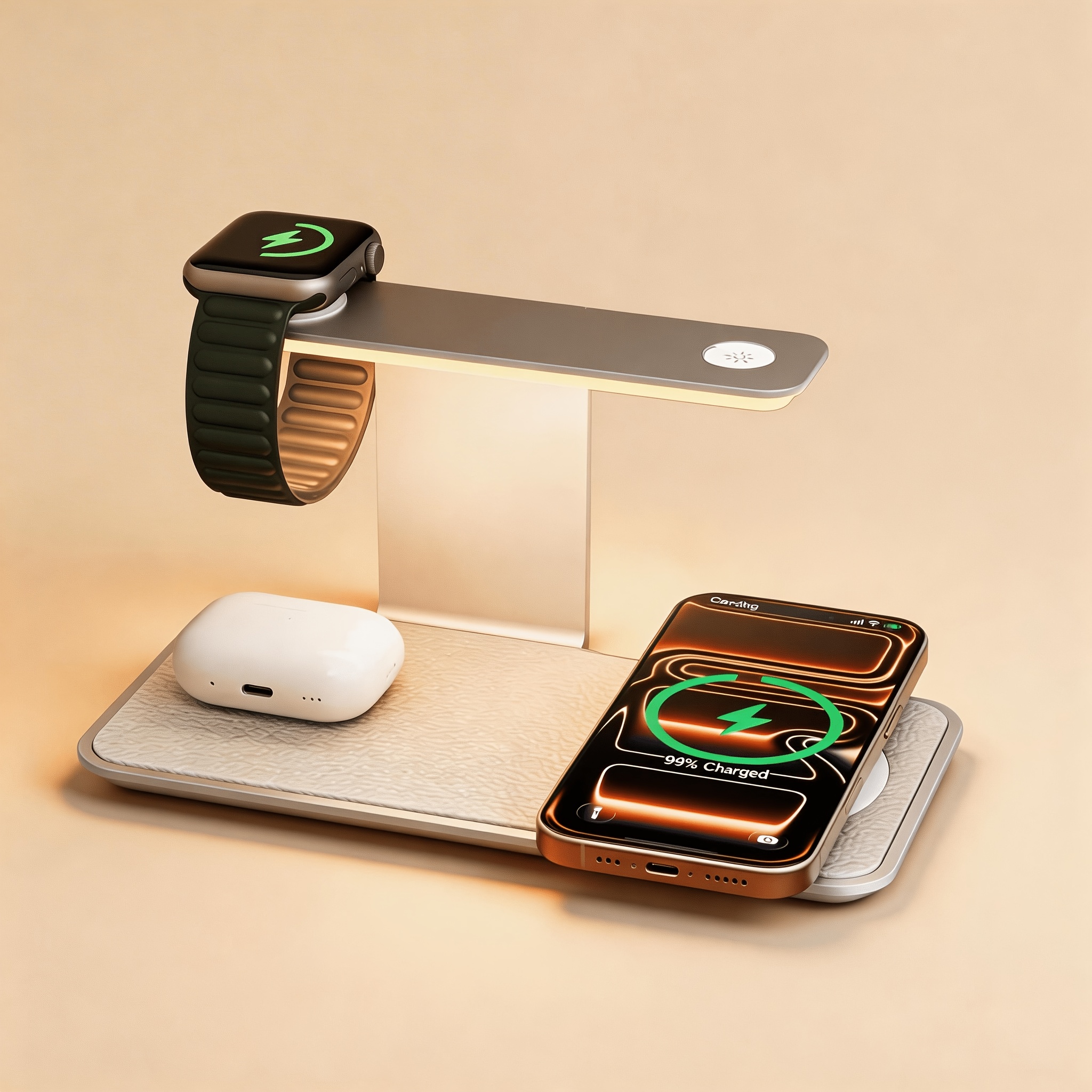
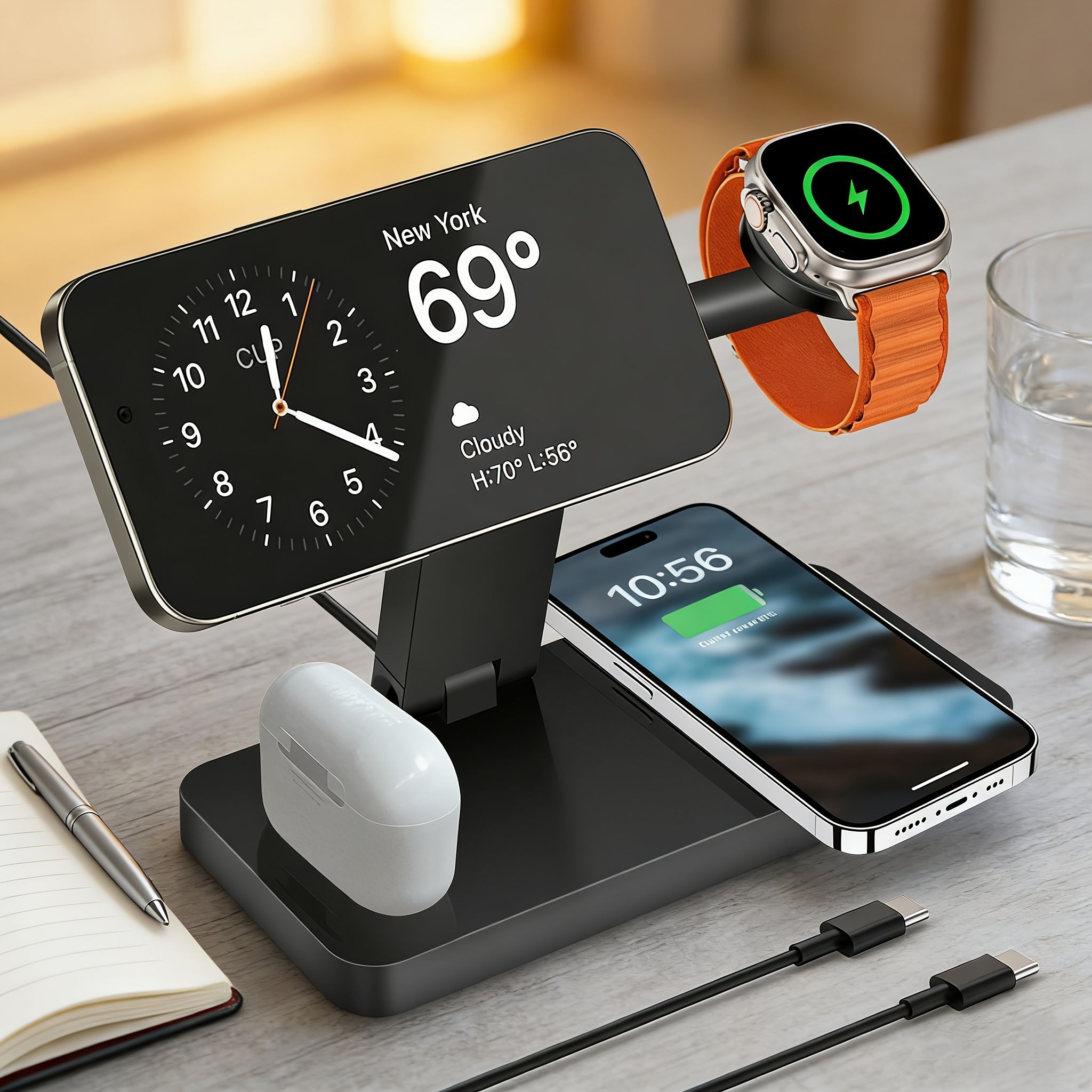
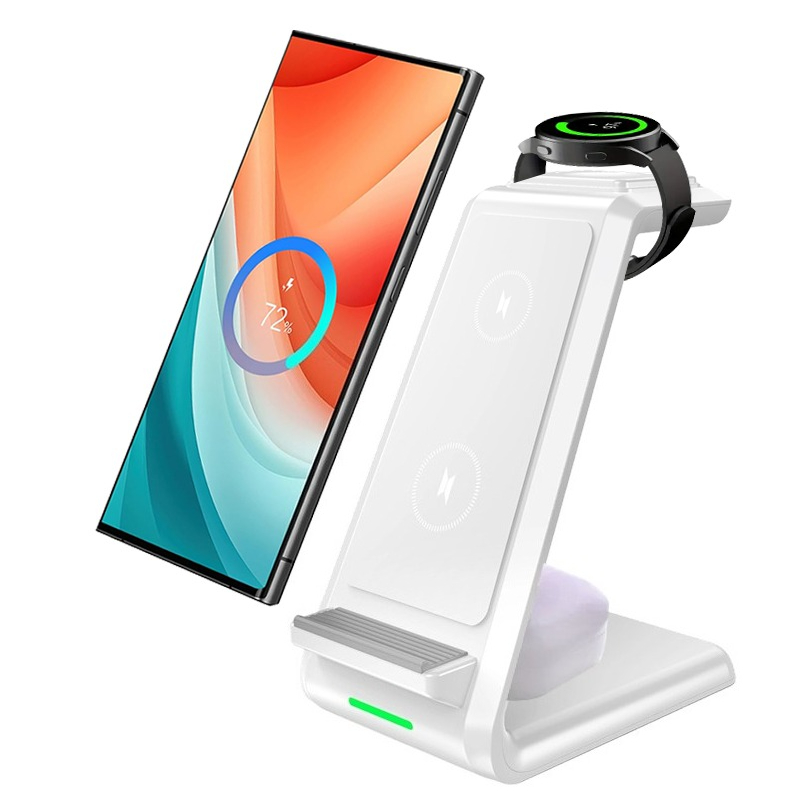
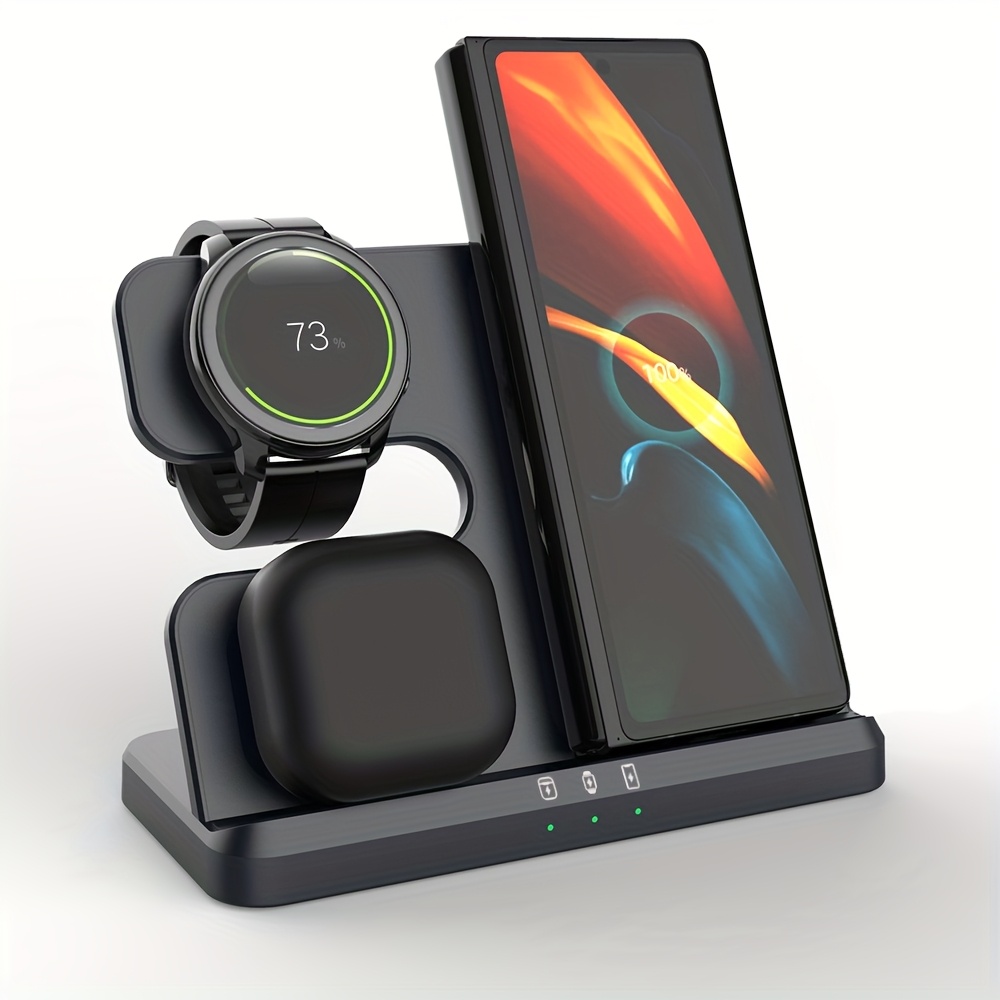
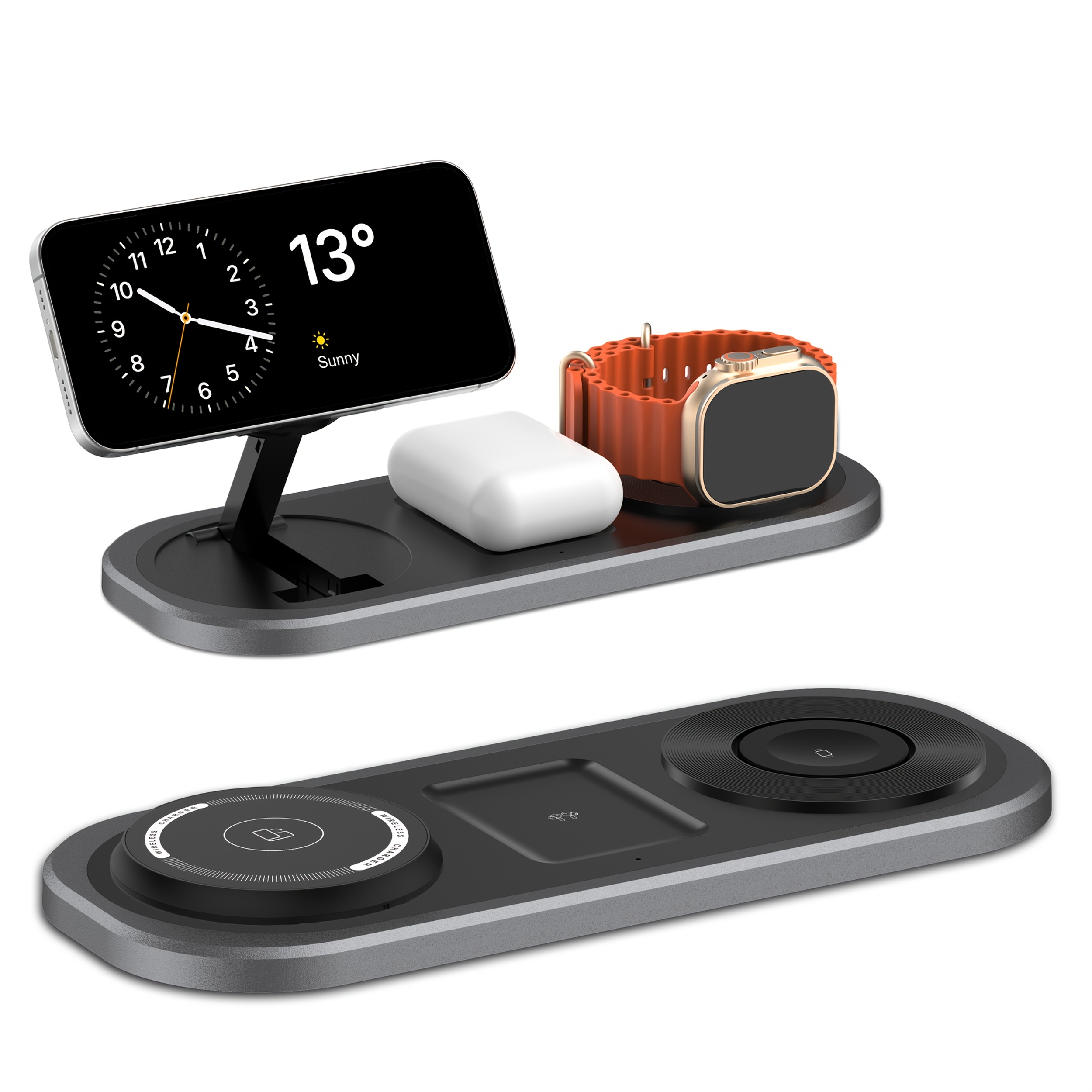
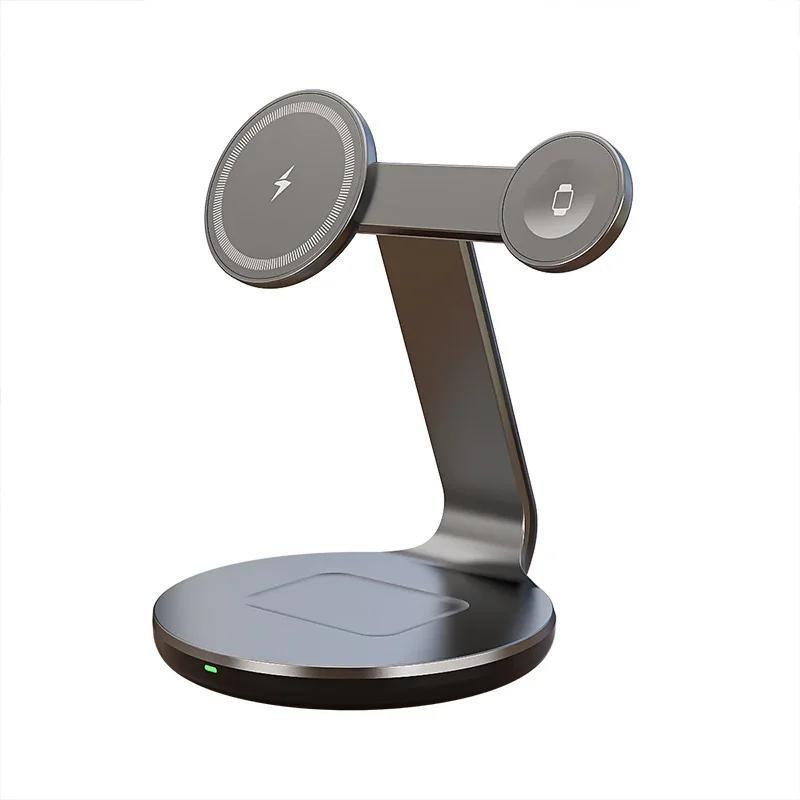
Wireless Charging Station Basics: What It Does and Why It Helps Battery Life
Here’s the deal: wireless charging is not magic, and the marketing around it often gets sloppy. Most phone chargers use the Qi standard, while newer magnetic models use Qi2 for tighter alignment and better power efficiency. The station transfers energy through coils, the phone receives it through its own coil, and the charging controller decides how much power is safe at that moment.
That last part matters. People still repeat the old line that overnight charging ruins a phone battery. That belief came from earlier smartphones and rougher chargers, especially before 2014, when battery management was less refined and extra heat could build up more easily. Since around 2015, mainstream phones have used smarter power-management chips that slow, pause, or stop incoming energy once the battery reaches full capacity.
Modern iPhones, Samsung Galaxy models, Pixel phones, and many earbuds cases do not just accept whatever the pad throws at them. They negotiate. Apple’s Optimized Battery Charging, introduced years ago, can pause near 80 percent overnight and finish close to wake-up time. Several Android makers offer similar protection. A decent Qi2 charger keeps alignment consistent, which means less wasted energy and less heat. Heat is the real battery villain, not the fact that the device is resting on a pad at 2:00 a.m.
Device Compatibility Is the First Spec to Check
Do not buy on looks alone. A sleek stand that cannot deliver the right profile for a phone, watch, or earbuds case is desk decoration with a power cord. Check device compatibility before checkout: Qi for broad support, Qi2 for magnetic alignment on supported phones, Apple Watch support if needed, and enough output for accessories. Some 3-in-1 stations charge a phone well but crawl with a watch. Annoying. Tested behavior beats label claims.
A realistic setup for a mixed household might include a Qi2 stand for a recent iPhone, a flat Qi pad for Samsung earbuds, and a USB-C watch puck integrated into the base. If a charger advertises 15W for phones, that does not mean every phone gets 15W. Some models cap at 7.5W or 10W unless the charger is certified for that device family. Read the certification notes, not just the hero number printed on the box.
The practical win is consistency. A compatible station reduces failed charging sessions, keeps accessories visible, and removes the tiny friction of plugging in repeatedly. Fewer missed top-ups means better battery life across the day, even if the pad is not the fastest option in the house.
Once compatibility is sorted, placement becomes the next performance variable. Yes, placement. A charger can be technically fine and still underperform if the phone sits a few millimeters off target.
Charging Tips That Stop Wasted Energy, Heat, and Failed Top-Ups
The biggest mistake with a charging station is treating it like a table. Drop the phone anywhere, walk away, return later, and wonder why the battery gained only 6 percent. Coil alignment controls efficiency. With Qi2 magnetic models, the phone snaps into the right spot, which is why those chargers tend to feel more reliable. With older flat pads, placement takes a second of attention.
Look for the charging animation. Not later. Right away. If the phone buzzes, lights up, and shows the charging icon, good. If it does not, shift it slightly. Some cases make this worse, especially thick rugged shells, metal rings, wallet cases, and magnetic plates meant for car mounts. Metal between the pad and phone can slow charging, trigger heat warnings, or stop the session. That is not a charger failure. That is physics being rude.
Positioning, Cases, and Interference Matter More Than People Think
A clean test is simple. Place the phone directly on the pad without a case and note the charging behavior for 10 minutes. Then try the normal case. If the phone warms up faster, charges slower, or disconnects when nudged, the case is part of the problem. Thick leather wallets and cheap magnetic adapters are repeat offenders. A slim MagSafe-compatible or Qi2-ready case usually behaves better because the alignment magnets and coil window are planned properly.
Surface clutter hurts too. Coins, keys, metal badge clips, and credit cards do not belong on a charging pad. Dust and grit are less dramatic but still worth handling. Wipe the surface with a dry microfiber cloth every few days, especially if the station sits on a kitchen counter or bedside table. Grease, dust, and pet hair can keep accessories from sitting flat. Tiny gap, lower efficiency. Simple as that.
Temperature deserves respect. A phone charging on a sunny windowsill, under a pillow, or beside a gaming laptop exhaust vent is being set up to throttle. Modern devices will protect themselves by slowing the charge, but that means the user gets less energy when it is needed. Better move: keep the station in open air, away from heat sources, with the phone screen facing up and notifications visible.
Here is a common home-office case. Maya, a freelance designer, keeps her phone on a stand beside a mechanical keyboard and an external monitor. At first, the phone gained barely 18 percent during long editing blocks. The issue was not the charger. A metal kickstand case blocked proper coupling. After switching to a thinner compatible case, the same station added about 31 percent in a similar 45-minute window. Not laboratory-grade science, but the pattern is obvious enough: the setup matters.
Good charging tips are not glamorous. Align the phone, remove bad cases, keep metal away, clean the pad, and avoid heat. Do those boring things and the charger performs closer to its spec sheet.
Where to Put a Charging Station So Power Becomes a Daily Habit
A wireless charger is most useful when it lives where the phone already lands. The desk is the obvious spot. During work, a phone gets checked, unlocked, ignored, checked again, then left beside the keyboard. If that resting place is a stand, every idle minute becomes a small refill. No drama. No cable fishing. This is how energy saving becomes behavioral, not just technical.
The bedroom is trickier because people worry about overnight charging. With a modern phone and a certified Qi2 charger, leaving it on the stand overnight is generally fine. The phone stops drawing full power at 100 percent and may request tiny maintenance bursts later. Qi2 improves alignment, which reduces unnecessary heat. Still, the best night setup is boring: a ventilated nightstand, no pillow contact, no thick wallet case, and optimized charging enabled in settings.
Desk, Bedroom, Living Room: Different Spots, Different Jobs
The desk station is for frequent top-ups. The bedroom dock is for predictable recovery. The living room pad is the underrated one. Put a charger near the couch or TV remote and the phone gets a boost during a 30-minute episode, a video call with family, or a gaming break. That can be the difference between leaving home at 23 percent and leaving at 51 percent.
A shared station near the entryway also works well for households with earbuds and smartwatches. The rule is simple: accessories that are easy to see are easier to charge. Wireless earbuds often die because their case sits inside a bag for three days. A visible charging base solves that without another reminder app screaming for attention.
For beginners, one station is enough. Put it where the phone spends the most idle time. Intermediate users can build a small network: stand on the desk, flat pad in the living room, multi-device dock in the bedroom. Avoid buying five cheap pads with unknown certifications. Better to own two reliable units than scatter bargain-bin chargers that run hot or disconnect randomly.
Routine beats panic. Charge during breakfast. Drop the phone on the desk during calls. Use the nightstand for slow, managed overnight recovery. During a lunch break, 20 to 30 minutes on a good pad can add useful range, especially if the screen stays off. Pair that with lower display brightness and fewer background refreshes, and the battery stretches noticeably farther.
Phone settings help the hardware. On iPhone, lowering brightness under Settings and enabling Low Power Mode before the battery hits 20 percent can buy extra time. On Samsung devices, Power Saving mode can reduce screen brightness, stop background activity, and disable Always On Display. Airplane Mode is still the nuclear option in no-signal areas, such as hiking trails or basement conference rooms, because constant signal hunting burns energy for no benefit.
The smartest station placement is not the prettiest one. It is the one that catches the phone when the user naturally puts it down.
Even a well-placed dock cannot solve every low-battery emergency. Some days need raw speed, a cable, or backup power in a bag.
Combine Cordless Charging, Fast Charging, and a Portable Charger Without Cooking the Battery
Cordless charging is about convenience. Fast charging is about recovery speed. They are not enemies, but they serve different moments. A wireless stand on the desk is perfect for keeping a phone hovering between 50 and 85 percent through the day. A USB-C fast charger is better when the battery is at 9 percent and a train leaves in 17 minutes. Use the right tool, not the shiniest one.
Qi2.2 chargers can support speeds up to 25W on compatible gear, and some setups can push a phone to roughly 35 percent in about 30 minutes under favorable conditions. Good number. Still, wired charging often wins for emergency refills because it wastes less energy as heat and can negotiate higher wattage. If time is tight, plug in. If the phone is just resting nearby, use the station.
Build a No-Panic Power Kit for Busy Days
A solid everyday kit has three layers. The first layer is the home or office station, used constantly and casually. The second is a compact USB-C wall charger with a certified cable for quick recovery. The third is a portable charger with enough capacity for at least one full phone refill. That combination covers the desk, the outlet, and the street.
Power banks with magnetic wireless output are handy, but they can be fussy in a pocket or bag. Alignment shifts. Heat rises. Charging slows. For walking around, a short USB-C cable often works better. For sitting in a café or airport lounge, a magnetic battery pack is fine as long as the phone stays exposed and cool. Marketing photos love phones charging inside jackets. Real life says heat buildup is not your friend.
Battery health also depends on what the phone is doing while it charges. Streaming video at full brightness, using GPS navigation, and topping up wirelessly at the same time creates extra heat. If possible, let the screen sleep. Dim the display. Turn off background app refresh for apps that do not need constant updates. On iPhone, that setting sits under General and Background App Refresh. On Samsung phones, Background Usage Limits does similar cleanup.
There is no need to baby a modern battery like a fragile antique. Keeping it between 20 and 80 percent is still a sensible habit when convenient, but real life is messy. Overnight charging on certified gear is fine. A quick wired refill before a meeting is fine. The bad pattern is repeated heat: hot car dashboard, thick case, misaligned pad, heavy gaming, then charging on top of all that.
Make the system boring and it works. A compatible station where the phone rests, a clean pad, smart placement, occasional fast wired recovery, and a dependable battery pack in the bag. That is how a smartphone stops feeling like a countdown timer and starts behaving like a tool that is ready when needed.


